SoundMeter X
Version 13 | iOS 18+
The original sound level meter app for iPhone, now evolved into SoundMeter X. Professional mobile sound level meter with multi-channel recording, data logging, octave analyzer, and more.

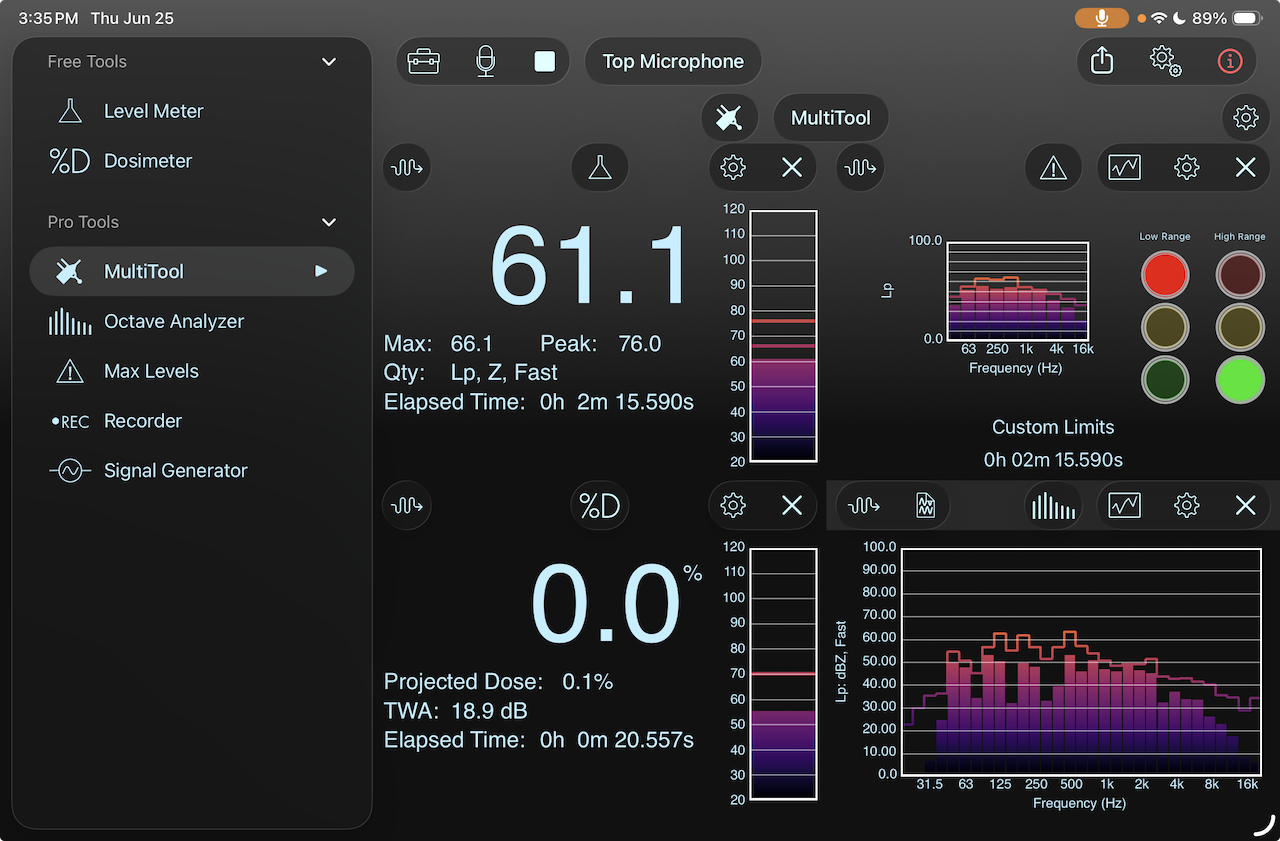
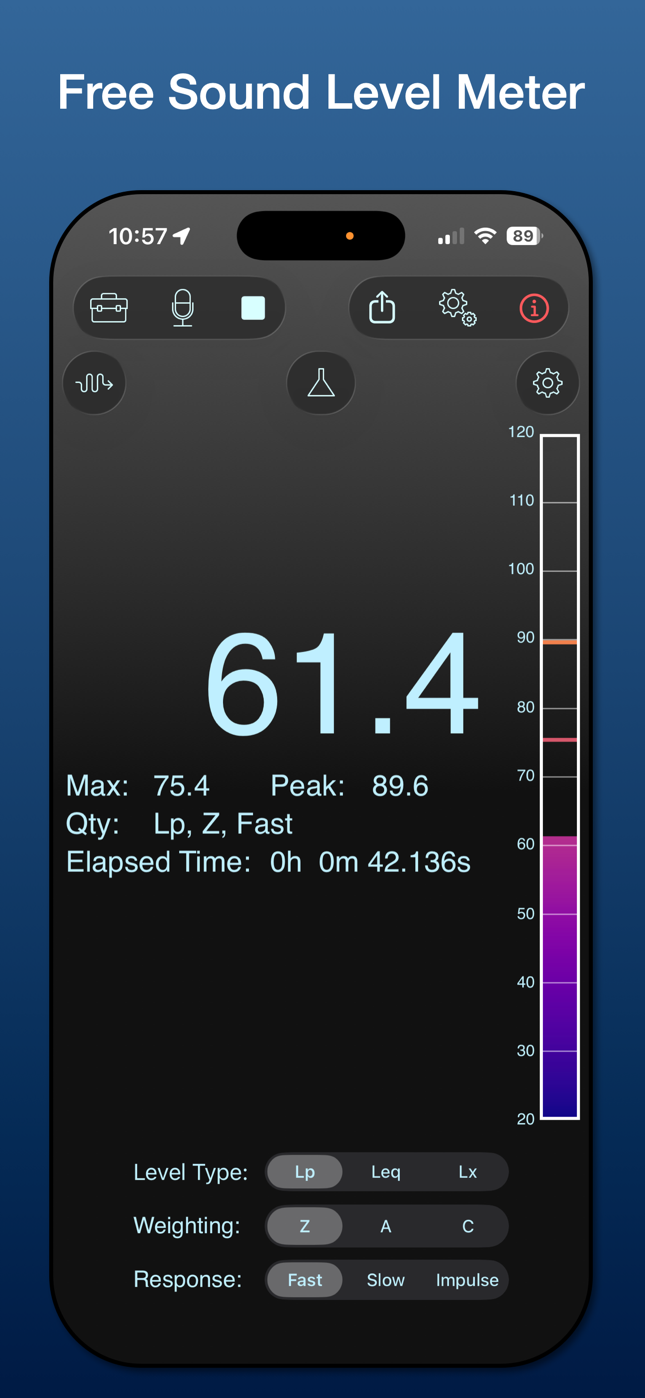
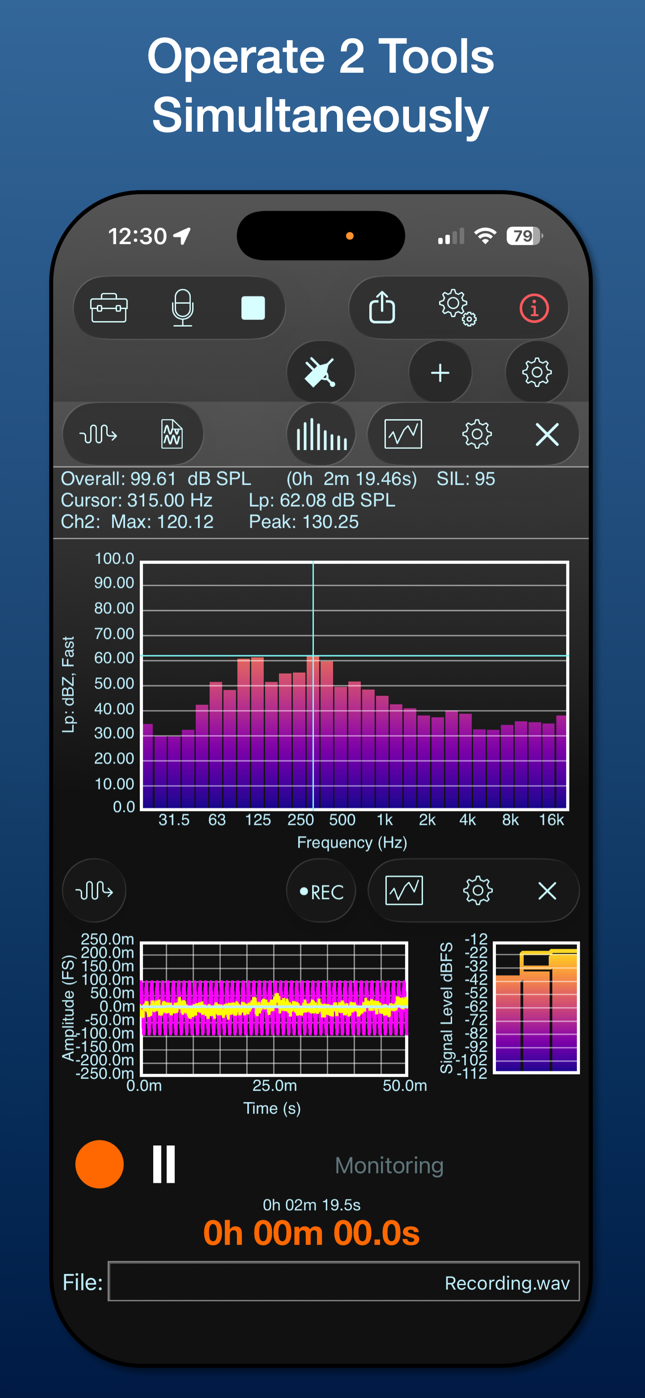
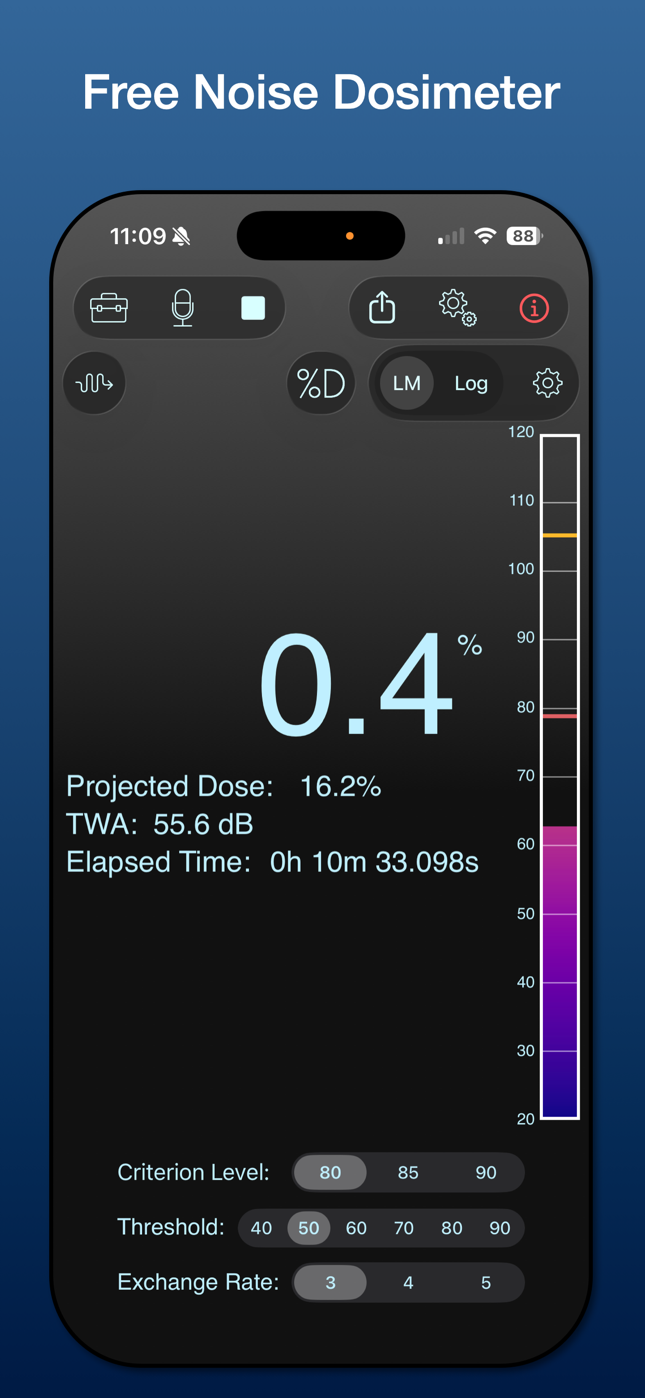
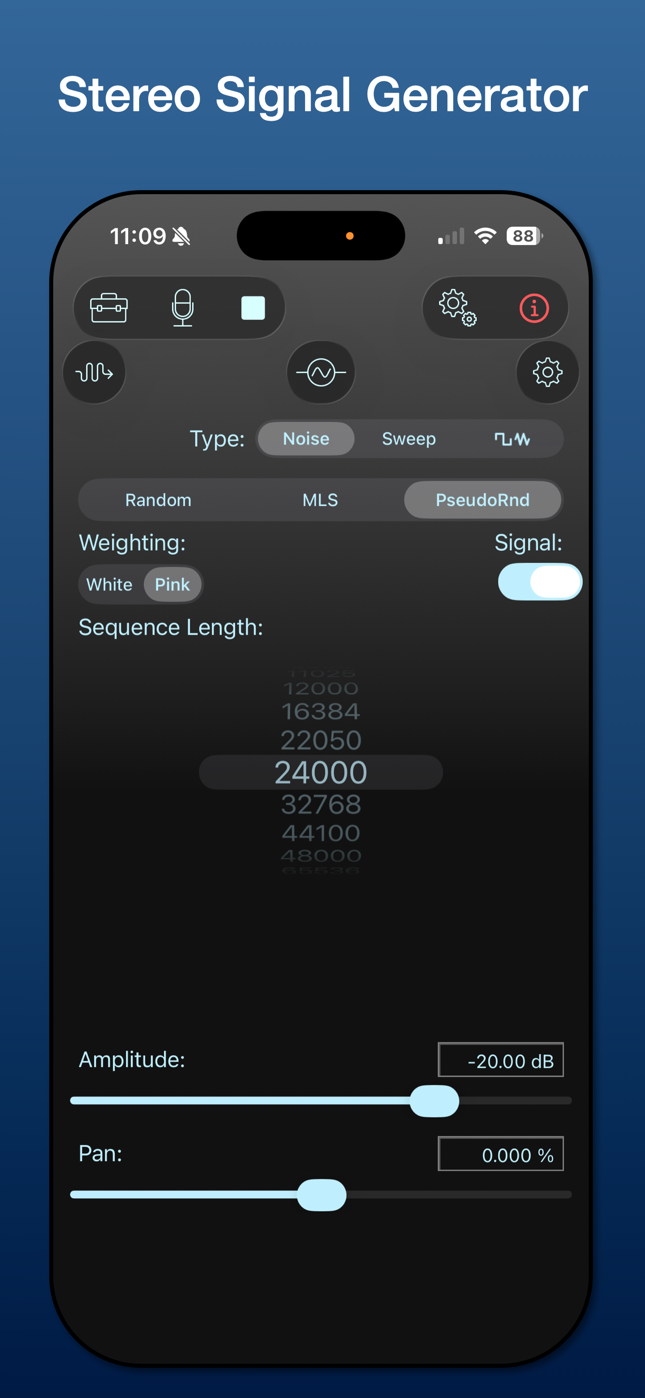
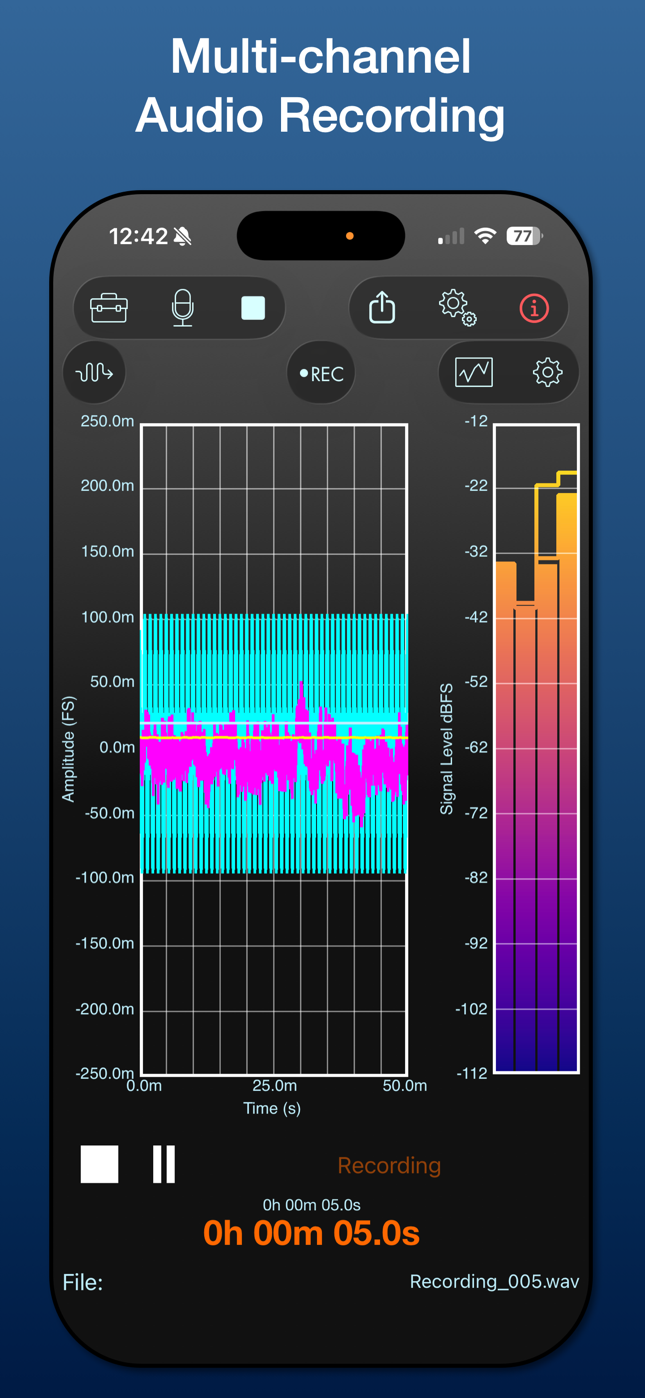
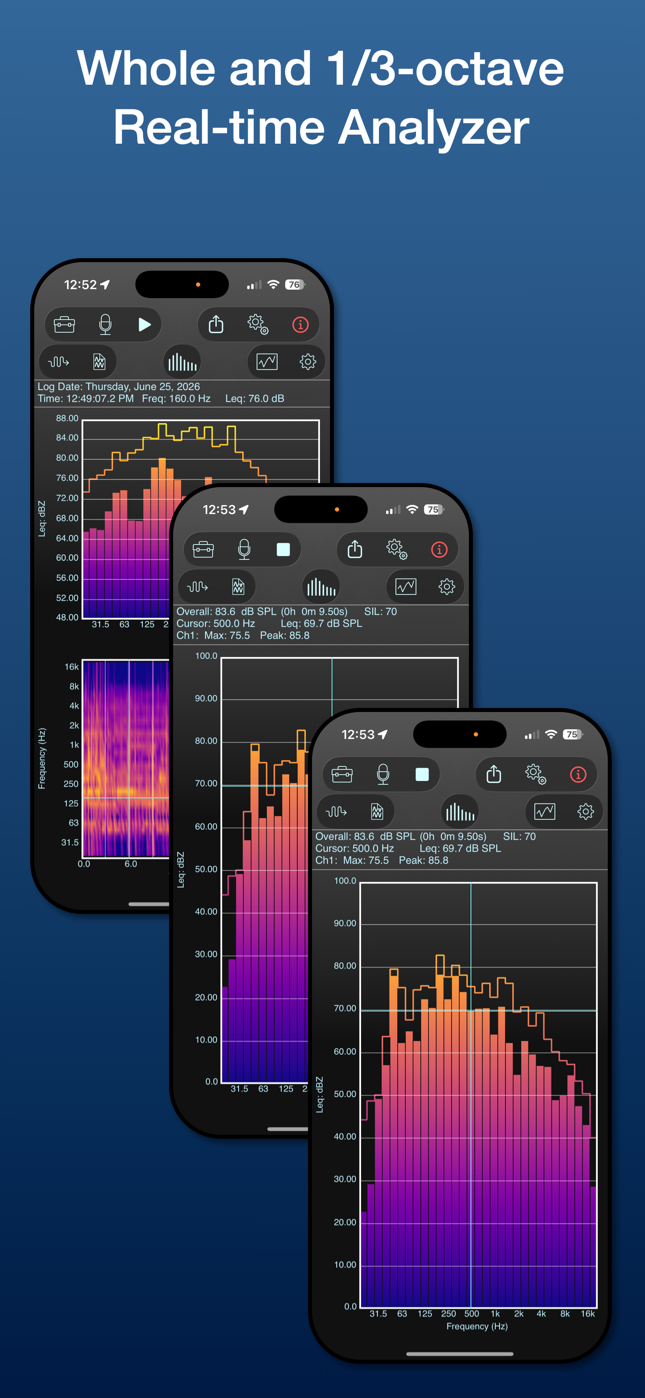
Turn your iPhone or iPad into a handheld data-logging sound level meter, noise dosimeter, signal generator, multi-channel recorder, and octave analyzer.
Standard Features
Included with all licenses
Pro Features
Additional features with Pro Tool Set license
Analysis Tools
Comprehensive signal analysis and measurement tools
BasicBasic Tools
Pricing
Subscriptions
Subscriptions may be purchased in SoundMeter X via in-app purchase. One 14-day free trial is available.
or $49.99/year ($4.17/mo)
Perpetual License
A SoundMeter Pro perpetual license may be purchased in SoundMeter X via in-app purchase. Discounts may be available for customers who have registered their purchase of select Faber apps with a Faber account.
Specifications
Hardware Support
- Supported Hardware: Any Core Audio compatible device, includes USB Audio Class compliant devices connected to iPhone or iPad via a suitable USB adapter
- Audio Play-through: Enable/Disable
- Maximum Supported Input Channels: 16
- Supported Sample Rates: 44100, 48000, 88200, 96000, 176400, 192000
- Supported Units: Digital Full Scale (FS) and pascals (Pa, only when a known microphone device is selected—units are then synchronized with the first input channel)
- Maximum Supported Output Channels: 16
- Supported Sample Rates: 44100, 48000, 88200, 96000, 176400, 192000
- Maximum Sample Resolution: 32 bits, data processed internally with single (32-bit) or double (64-bit) precision
- Supported Units: Digital Full Scale (FS), pascals (Pa)
- Sensitivity Calibration: Manual entry, automatic calculation from reference input level
- Apply DC Blocking Filter: Enable/Disable
- Maximum Sample Resolution: 32 bits, data processed internally with single (32-bit) or double (64-bit) precision
Options
- Prevent Screen Auto-lock: Enable/Disable
- Run In Background: Enable/Disable
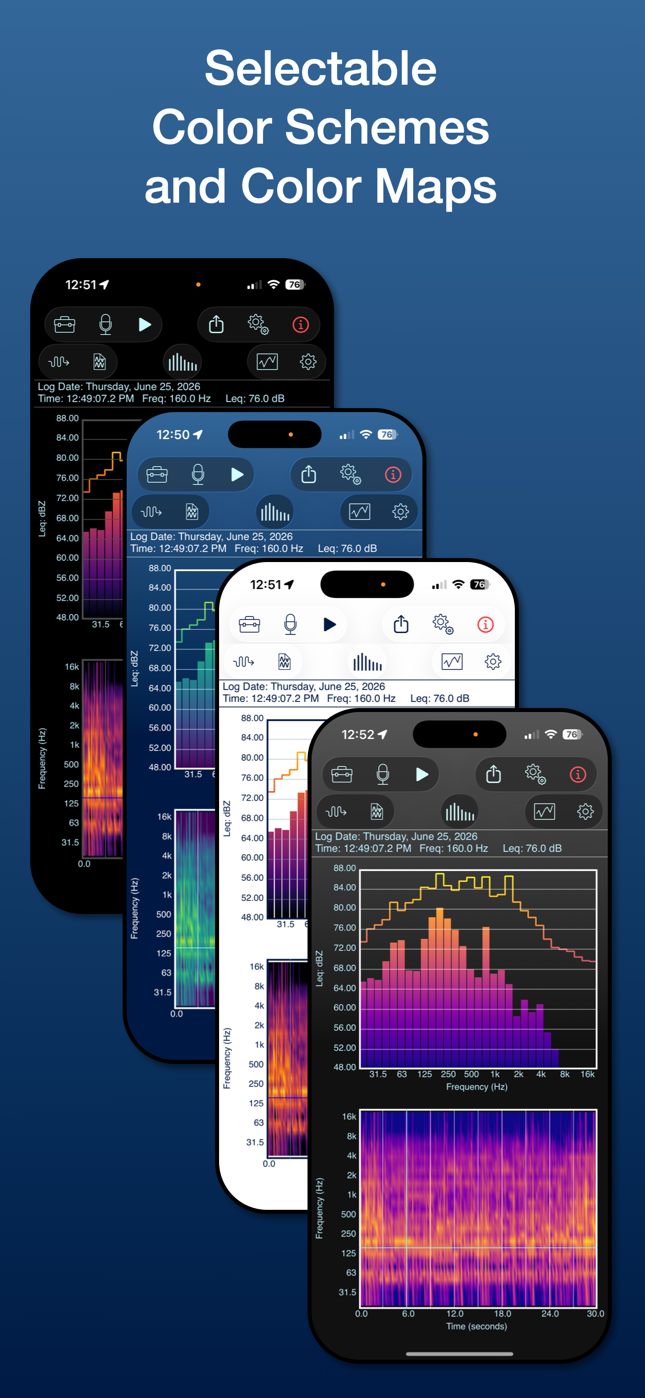
- Color Schemes (background color): Black, Blue, White, Gray
- Plot Line Thickness: 1.0, 2.0, 3.0
- Color Map (for bar or surface graphs): Classic, Inferno, Magma, Plasma, Viridis, White on Black, Black on White, Green on White, Green on Blue
- Run Server: Enable/Disable (disabled by default)
- Preferred Server Port: User defined
- Built-in browser for files saved within the app's sandbox documents directory
- Supported operations (context-dependent): Delete, Load, Preview, Export
Enhanced Hardware Support
Automatic calibration and configuration for select hardware devices
The Modal Shop
- Serial Number
- Calibrated Voltage Sensitivity
- Calibration Date
- Automatic Sensitivity Adjustment
Dayton Audio
- User Prompted for Serial Number
- Acoustic Sensitivity Download
- Frequency Response Data Download
miniDSP
- User Prompted for Serial Number
- Acoustic Sensitivity Download
- Frequency Response Data Download
miniDSP
- User Prompted for Serial Number
- Acoustic Sensitivity Download
- Frequency Response Data Download
- HEQ: headphone compensation for flat EQ target
- HPN: original headphone compensation
- IDF: IEM diffuse field compensation
- RAW: no headphone compensation (mic cal only)
miniDSP
- Serial Number
- Acoustic Sensitivity Download
- Frequency Response Data Download
- Automatic Voltage and Acoustic Sensitivity Adjustment
- Requires EARS Pro USB Audio Interface
Screenshots
1 / 9
Start Measuring Today
Download SoundMeter X for free and try Pro features with a 14-day free trial.